
New Features of BAT Version 6.0x
Sharing of report pages / interactive dashboards / calculated measures, members, sets to selected users
In the new version, users can share report pages / Interactive Dashboards / calculated measures, members, sets to selected users.
To share the report page for selected users, call the context menu of the page (right-click):
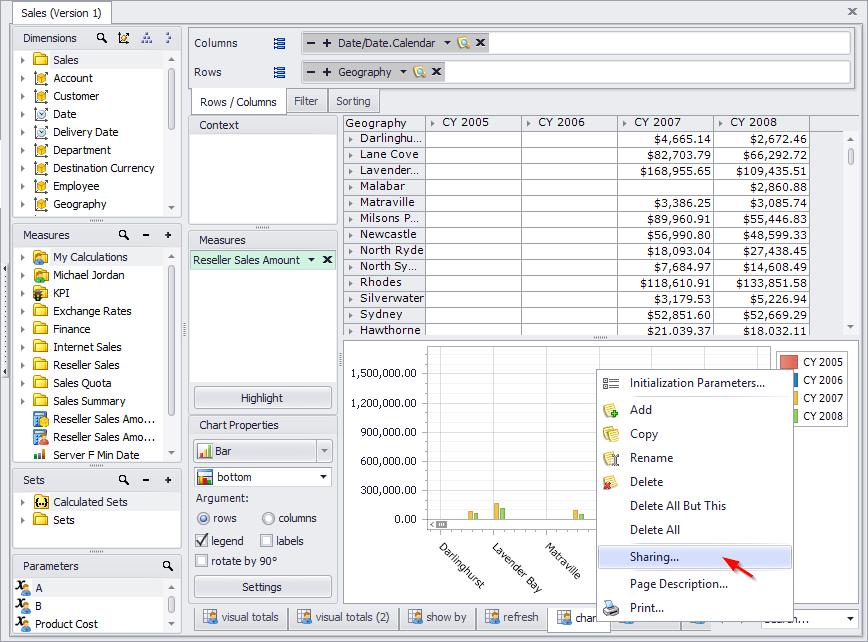
Similarly for the «Interactive Dashboard»:

and for calculated measures:

The following options are available:
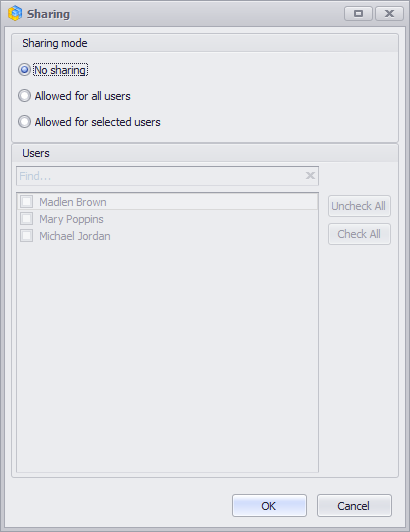
- Sharing mode:
- No sharing – the page is not available to other users;
- Allowed for all users – the page is available to all users;
- Allowed for selected users – the page is available to selected users.
- Users – a list of users to whom the report page can be share.
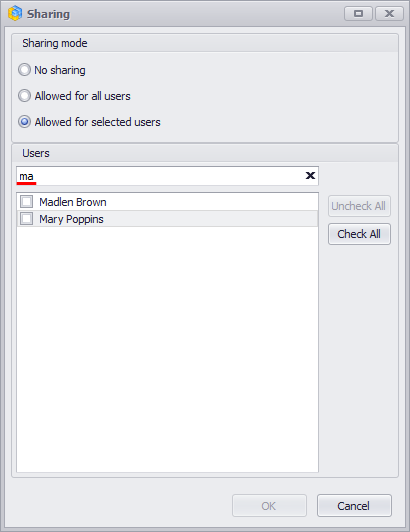
If the list of users is large, then use the search field:
To save the changes, click the «Save» button on the toolbar:

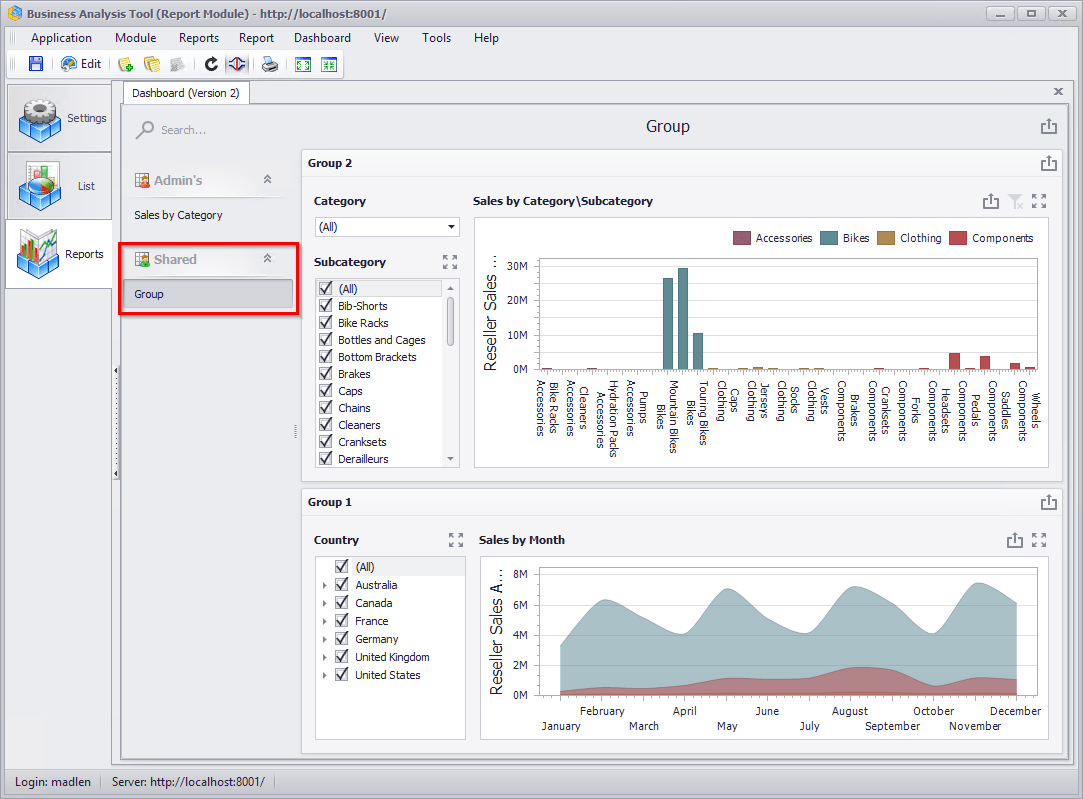
After the report is shared with the selected users, when the report is reopened, a new report page will appear in the list:

Similarly for the «Interactive Dashboard»:
Tab Measures in Calculated Measure form for Tabular cubes is available
New version of BAT offers a new «Measures» tab in Calculated Measure form:

Optimization of reports tree in Report module
Optimized of report tree in the Report module
Optimization of dimensions tree in reports
Optimized of dimensions tree in reports