Dashboard Items Layout
The “Dashboard Designer” provides the capability to arrange and resize dashboard items and groups in various ways, using simple drag-and-drop operations:

You can change the position of a dashboard item by using drag-and-drop:

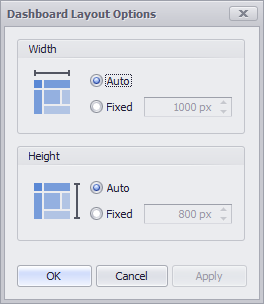
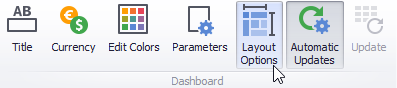
By default, dashboard elements automatically stretch or shrink the dashboard horizontally and vertically to fit the available screen space. You can customize the layout settings and specify the exact width and height of the content. To do this, click on the “Layout Options” icon in the toolbar:
This invokes the “Dashboard Layout Options” dialog that allows you to specify the dashboard width and height: