
Title
Before saving a created pivot let us rename its title. This may be done in two ways:
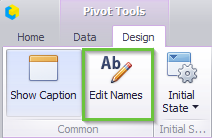
Way 1. In “Design” tab press “Edit Names” icon.
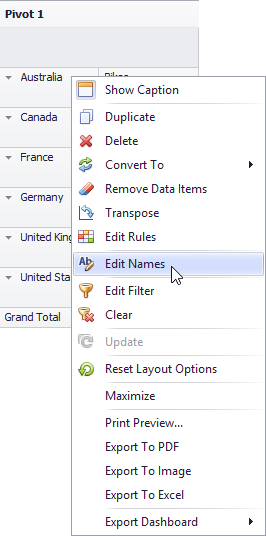
Way 2. Open context menu in a pivot (click the right mouse button) and choose “Edit Names” from the list.
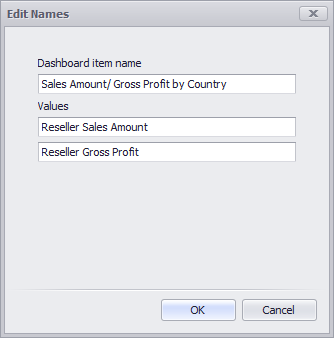
In an appeared form enter the following data:
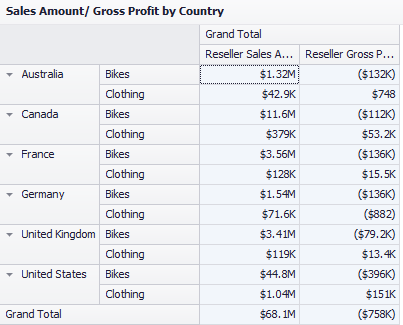
Now a pivot title looks the following:
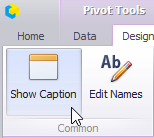
If needed, title may not be displayed:
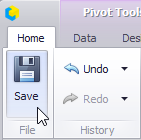
Before closing a pivot should be saved by clicking a “Save” icon in the toolbar:
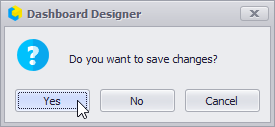
Or an application will offer to save a pivot itself:
A new dashboard element — a pivot Reseller will be the result:
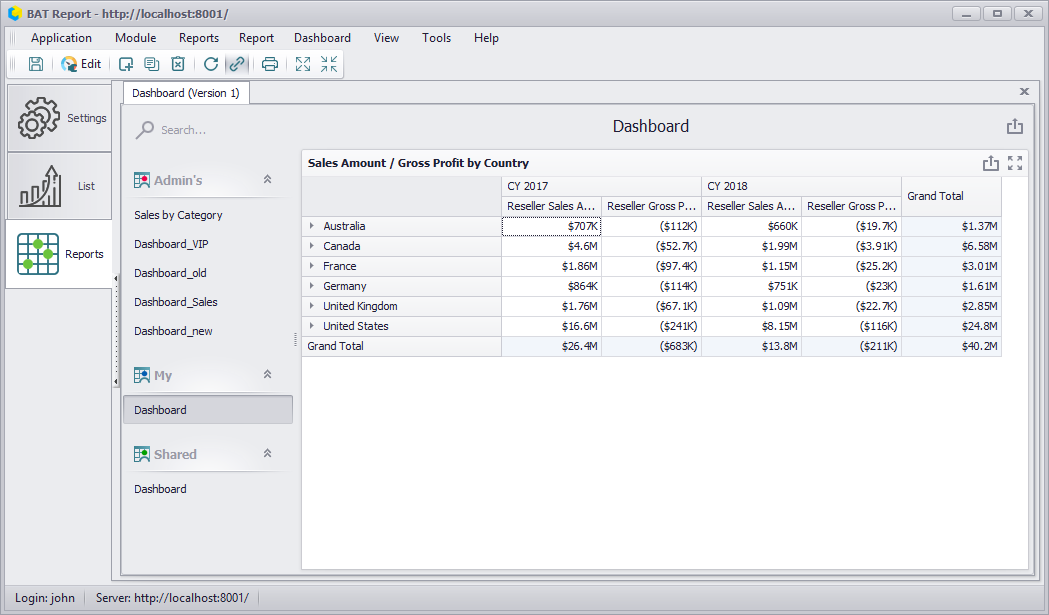
For next dashboard element editing it is needed to click an “Edit” icon in the toolbar:
